Where MOML appears in S7's rules
S7 Airlines publishes service rules on special catering. According to the version summarised for this guide, those rules list MOML, the standard industry code for a Muslim meal, among the special-meal types for Business. That is a useful starting point, but it is narrower than it may sound.
A listing in the Business rules does not by itself show that a Muslim meal is available in Economy, on every route, or on every departure. It also does not tell you how the meal is certified or prepared. Ask S7 which flight, which cabin and what the preparation covers, and treat the answer for your own booking as the one that counts. The airline's pages are in Russian, so a translation tool can help with the original wording.
Reading the Russian-language pages
Most of S7's meal information is published in Russian. A browser translation is usually enough to follow the structure, but key terms such as the sixteen-hour limit, the cabin name and the meal code are worth checking in the original text. If a translated sentence seems to contradict another page, ask S7 support in chat to clarify instead of choosing the reading that suits you.
Business: ordering without an extra charge
S7's Business dining FAQ explains that passengers can choose from the special menu at no additional charge, with the request made at least sixteen hours before departure. The airline points travellers to the My Bookings section or to its chat, where the options that apply to the actual flight can be checked.
What to do in practice
- Open your booking early rather than at the sixteen-hour limit.
- Look for the special-menu choices and select the Muslim meal if it is shown.
- If it is not shown, use the airline's chat and ask for MOML by name for your flight number and date.
- Save the confirmation text or screenshot.
Paid meals are a different product
S7's general dining page describes another family of options: paid special dishes, products from the VkusVill partnership and onboard snacks. These widen the choice of what you can eat, and they may suit some travellers, but they do not prove that the Business Muslim-meal category is available in Economy or on a given route.
Keep the two systems apart in your mind. One is a special-meal request tied to the cabin rules. The other is a retail purchase with its own timing, payment and receipt. Mixing them up is the most common source of disappointment, especially for travellers who expect the paid menu to include a religious meal.
When you compare options, write down for each one the cabin it applies to, the deadline and whether it replaces the standard meal. A short note like this makes it much easier to explain your request to a chat agent and to spot a mismatch before you pay.
Paid-meal cut-offs
S7 says that most hot meals and infant meals need twelve hours' notice, while sandwiches can be ordered two hours before departure, with exceptions on some flights. The airline recommends ordering earlier, about twenty-four hours ahead, to be safe.
These are retail deadlines. They should not be used for a Business special-meal request, which has its own sixteen-hour rule. If you are unsure which applies, check the wording on the page you are ordering from and not a figure remembered from another flight.
Remember that a later cut-off is not an invitation to leave things late. Popular items and flight-specific exceptions can make the real deadline earlier than the general figure, which is why ordering on the day you book is the safer habit.
Receipts, replacement and families
For paid orders, S7 sends an electronic receipt after payment and states that the selected food replaces the standard meal. That has two practical consequences. Review the choice for each passenger before paying, and keep the receipt in case the crew need to see it.
It is particularly worth checking when you are buying food for a child, or when a change to the booking might alter the meal service. If the flight is rebooked, look at the order again and ask S7 whether it still applies to the new departure.
How to check preparation and ingredients
A meal labelled for Muslim passengers is only as useful as the information behind it. If halal status matters to you, ask S7 what the name MOML means in practice for the meal it serves, and whether any certification statement exists. Where the airline cannot supply one, you will need to decide whether the information given is sufficient for you.
Many scholars take different positions on what is acceptable when certified food is not available, and differences exist between schools. A qualified scholar is the right authority for a personal ruling. For ordinary paid dishes, read the ingredient information and ask about animal-derived components, alcohol in sauces and shared preparation.
If you cannot get a Muslim meal
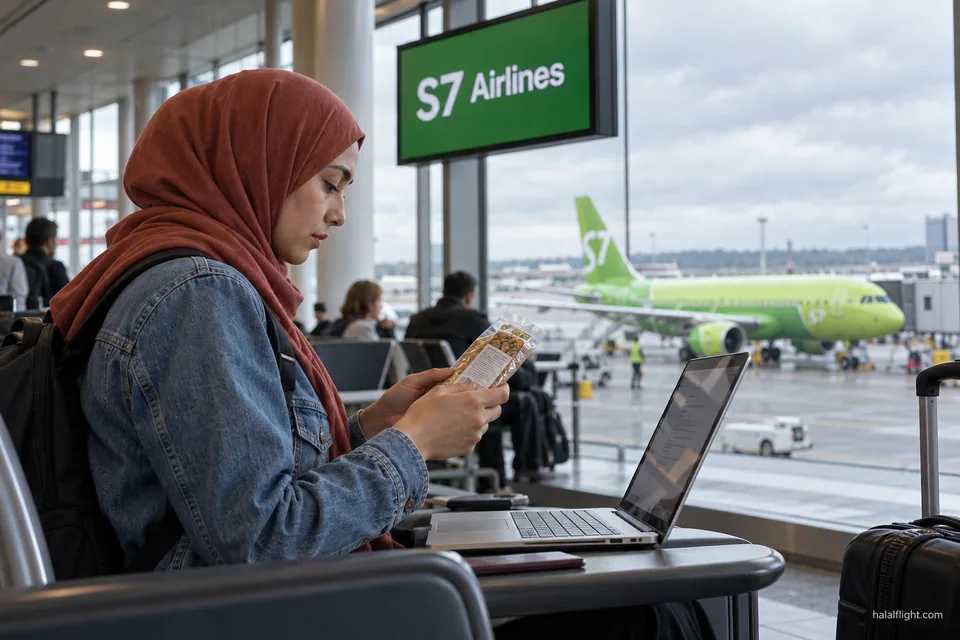
If MOML is unavailable for your flight, there are still sensible options. You can ask S7 whether a vegetarian dish is offered and check its ingredients, order a paid item whose details you can read, or bring food within security rules. Dry, sealed foods such as sandwiches, dates, nuts and fruit usually travel without difficulty, though the rules of your departure airport and destination apply.
Do this decision on the ground, ideally a day or more ahead, and not in the cabin when options are limited.
Keep in mind that a meal you cannot confirm is better declined than eaten with doubt. Telling the crew early that you will rely on your own food also spares you an awkward moment when the service begins and the options are limited.
Checklist for an S7 flight
- Identify your cabin and read the matching meal rules on the S7 site.
- For Business, request MOML at least sixteen hours before departure in My Bookings or via chat.
- For Economy, decide whether a paid meal or snack is enough, and order before the relevant cut-off, preferably earlier.
- Keep the confirmation or electronic receipt.
- Check again after any change to the booking.
- Pack a back-up meal.
If something goes wrong
Tell the crew your request reference, ask what else is on board, and eat your own food. After the flight, send S7 your booking number and the saved confirmation.
Frequently asked questions
Does S7 Airlines offer a halal meal?
S7's published service rules list MOML, the Muslim meal, among the special meals for Business. That listing should not be extended to every cabin or route. Ask S7 to confirm the meal for your flight number and date, and ask what the preparation covers.
How early must I request a Business special meal on S7?
S7's Business dining FAQ says special-menu choices are available at no additional charge when requested at least sixteen hours before departure. It points passengers to My Bookings or the airline's chat, where the options for the actual flight can be checked.
Can I get MOML in S7 Economy?
The Business rules list MOML, but that does not show it is available in Economy. Economy passengers can look at paid dishes, VkusVill products and snacks, which are retail items. Contact S7 to ask whether any Muslim meal can be provided for your Economy booking.
What are the deadlines for paid meals on S7?
S7 says most hot or infant meals need twelve hours' notice and sandwiches can be ordered two hours ahead, with exceptions on some flights. It suggests ordering about twenty-four hours before departure. These are paid-food deadlines and differ from the Business request rule.
Does a paid S7 meal replace my standard meal?
Yes. S7 says the selected food replaces the standard meal, and an electronic receipt is sent after payment. Check the choice for each passenger, including children, before paying, and keep the receipt in case the crew need to see it.