What Azul publishes about halal food
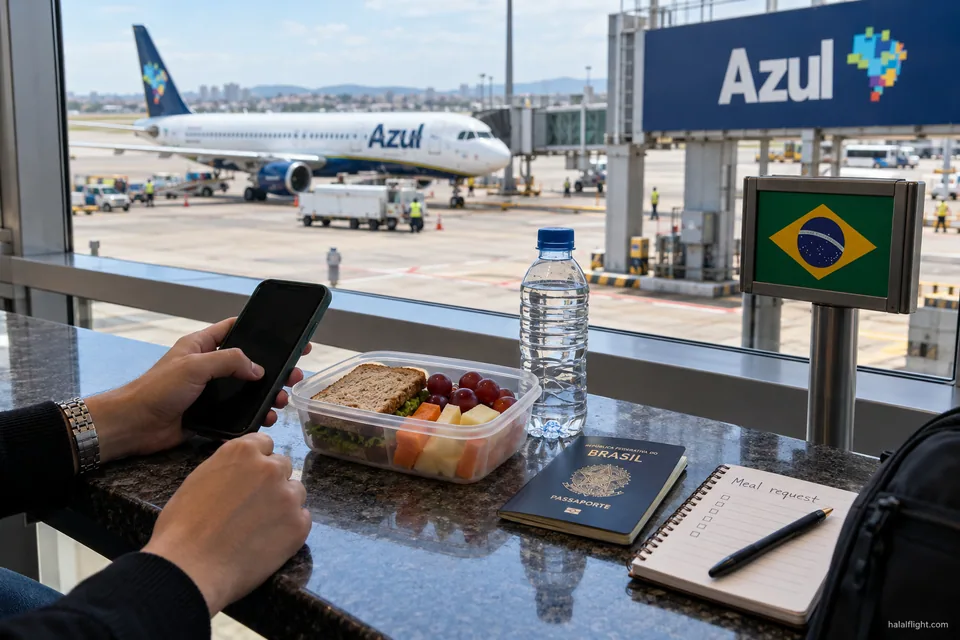
Azul, the Brazilian carrier, lists special meals on a page of its Portuguese-language website. Among the categories is Halal MOML, described as prepared according to halal principles. MOML is the standard airline code for a Muslim meal, so the name will be familiar if you have requested one elsewhere.
This is a useful starting point because it is a named category rather than a general promise. It tells you that Azul recognises a request for halal food and has a label for it in its systems.
It is also worth being precise about what the entry does not say. A named special meal is not a statement that every snack, drink or ordinary dish on board is halal. If you do not request the meal, or the flight is not covered, the standard service applies and you should read ingredients with care.
Which flights the service appears to cover
Azul's assistance information discusses special meals on relevant international services to and from the United States and Europe. Many Azul flights are domestic, and a domestic sector may carry a different type of food service from a long-haul one, often a lighter snack and drink.
Why your actual itinerary matters
If you travel from a smaller Brazilian city to a long-haul departure, the first sector may be domestic and the second international. The special meal may exist on one and not the other. Give Azul your complete itinerary, with flight numbers and dates, and ask sector by sector whether the Halal MOML will be loaded.
Codeshare and partner flights
If any part of your trip is operated by another airline, that airline's own meal rules apply on its flight. Check the operating carrier on your booking for each segment and contact it separately if needed.
Getting the deadline from Azul, not from other airlines
Many carriers ask for special meals 24 or 48 hours before departure, and some websites repeat those figures as if they were universal. For Azul, the special-meals page points passengers to the airline's service centre. This page does not state a cutoff, so the safe course is to ask for the one that applies to your departure.
When you ask, request the deadline in writing or note it down with the agent's name and the date. If you are booking close to the flight, ask whether a late request can still be accepted, and request the meal as soon as you have a reservation rather than waiting for online check-in.
Do not import a deadline from another airline's page. A missed window is the most common reason a special meal is not loaded, and the airline may be unable to arrange it once catering orders are finalised.
How to place the request
Azul's page directs passengers to its service centre, and the airline also has a contact page for questions. Contact details and options can change, so use the current contact page rather than a number from a forum.
A clear request includes:
- Your booking reference and the name of each passenger who needs the meal.
- Flight numbers and dates for every sector concerned.
- The exact category: Halal MOML.
- A request for confirmation that the meal has been added to the reservation.
If several members of your family need a halal meal, say so for each person. A general note such as "family prefers halal" may be recorded against one passenger only, or not at all.
Combining halal with other dietary needs
Azul's list of special meals also includes lactose-free, gluten-free and other categories. These are separate options. Choosing Halal MOML does not automatically add the exclusions of a lactose-free or gluten-free meal, and the reverse is also true.
If you have more than one requirement, for example a halal meal for a passenger with coeliac disease, describe the full combination to the service team before the request is made. Ask whether the airline can fulfil both at once, or whether it will choose one category and leave the other unmet.
For serious allergies, do not rely on a meal code. Tell the airline in advance, carry any prescribed medicine and read labels yourself. Medical decisions belong with your doctor.
If your booking changes
A special meal is attached to a specific reservation and flight. When you change the date, route or flight number, the request may not carry over. Treat every change as a prompt to check.
- After the change, contact Azul and ask whether Halal MOML is still recorded.
- Ask whether the new sector is one where the meal is offered.
- If a new departure station or an extra domestic sector has been added, ask about food on that sector as well.
- Save the new confirmation next to the old one.
Changes made at an airport desk or through a travel agent are especially easy to lose track of, so confirm with the airline directly rather than relying on the agent's note.
Planning for a gap in the service
Even a confirmed meal can go wrong: the flight may be swapped to another aircraft, a catering order may be missed, or a short domestic sector may offer only a snack. A little preparation avoids a long flight without suitable food.
- Pack a sealed meal or non-perishable snacks you have already checked.
- Check security rules at each airport for liquids, and import rules at your destination for meat and dairy.
- Eat before boarding if the schedule allows.
- On board, ask crew what is available and read any visible ingredients before accepting an item.
This site's separate guides cover airport food and in-flight etiquette in more depth, so this page stays on the Azul request itself.
Checklist: from booking to boarding
- Read the special-meals page on Azul's website, in Portuguese, using a browser translation if needed.
- Contact the service centre with your itinerary and ask whether Halal MOML is available on every sector.
- Ask for the exact request deadline for your departure.
- Place the request and obtain a confirmation or reference.
- Keep the confirmation, flight details and passenger names together, on your phone and on paper.
- Re-check after any itinerary change.
- Mention the meal to staff at check-in and to crew after boarding.
- Carry a backup meal.
If the meal is not served, raise it politely on board, then send feedback to Azul after the flight with your booking reference and the date. Questions about whether a particular dish is acceptable to you are best put to a qualified scholar.
Frequently asked questions
Does Azul offer a halal meal?
Azul's Portuguese special-meals page lists Halal MOML and describes preparation according to halal principles. Availability depends on your flight, so contact the airline with your itinerary and ask for confirmation that the meal has been added to your booking.
How many hours before departure must I request Halal MOML on Azul?
This page does not give a figure because Azul's special-meals page directs passengers to its service centre for it. Ask the service team for the deadline that applies to your departure, note the answer, and request as early as you can after booking.
Is the Azul halal meal available on domestic flights?
Azul's assistance information discusses special meals on relevant international services to and from the United States and Europe. Domestic sectors may have a different food service. Give Azul your full itinerary and ask whether the meal will be loaded on each sector.
Is everything else served on Azul halal if I request Halal MOML?
No. The named category describes the special meal only. It is not a statement that every snack or drink on board is halal-certified. Check labels and ask crew about ingredients if you plan to eat anything outside the meal you requested.
Can I get a halal and gluten-free meal together on Azul?
Halal MOML and gluten-free are listed as separate categories, and one does not automatically include the other. Describe both requirements to the service team before booking the meal and ask whether the airline can meet them together or only one of them.