What "confirmed" should mean for a halal meal
Ordering a Muslim meal and confirming it are two separate actions. The first is a request you make; the second is you checking that the request is stored against the correct passenger and the correct flight, early enough for catering to act on it. This page is about that second step.
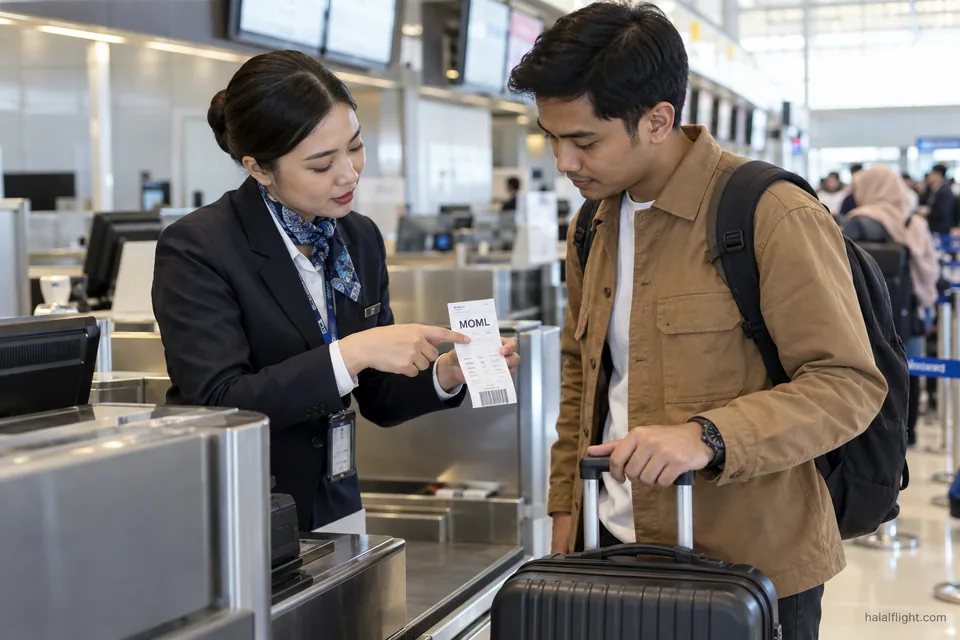
A meal request normally travels with your reservation as a special service code, often shown for Muslim meals as MOML. Catering teams build their orders from those records ahead of departure. If the code is missing, or attached to the wrong flight, nobody loads a tray for you, however sure you were that you asked.
For how requests are made in the first place and which airlines serve halal food by default, use the neighbouring pages on Muslim meals by request and on common ordering mistakes. Here the focus is verification.
Where to look in your booking
Start with the place where you made the request, then check a second source.
Manage booking and the app
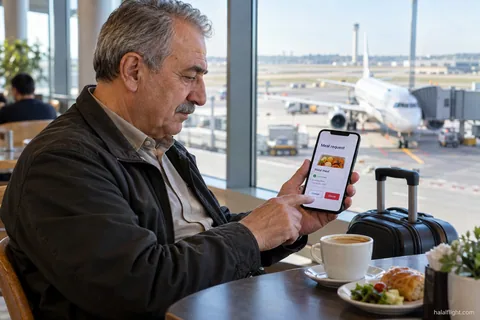
Most airlines list special meals inside the manage-booking section. Singapore Airlines, for example, says a selection saves automatically and can be reviewed in Manage Booking or in the My Trips section of its app. Air New Zealand tells passengers to return to Manage Booking and open the meal option for the booking, and says that if no special meal is selected the request defaults to a regular meal.
Confirmation emails
An email is useful, but read it for the specific flight and passenger. A line saying special requests were received is weaker than a line naming the meal.
Airline contact centre
If the website cannot display the request, or the booking was made through an agent, ask the airline to read out what is recorded for each passenger and each flight. Have the booking reference ready.
Check every flight and every passenger
Meal requests are stored per sector and per traveller. A common failure is to select a meal for the outbound flight and assume it carries over to the return, or to set it for one family member only.
- Open each segment separately and look for the meal name next to it.
- Check each person on the booking, including children who need a halal option.
- On connections, check every leg, since short ones may not carry a meal service at all.
- Look for flights operated by a different airline from the one you booked with.
Partner flights need extra care. Singapore Airlines says that on codeshare flights, meals can be pre-selected only where it operates the flight. Air New Zealand advises that on flights run by another airline, you contact that airline directly. The practical rule is to identify who operates each flight and to ask that carrier about the meal.
Know the deadline and act before it
Deadlines differ between airlines, cabins and routes. Air New Zealand states at least 24 hours before travel for its Muslim meal. Singapore Airlines says all pre-orders must be placed at least 24 hours before departure and that changes to special meals fall within a window of 24 to 56 hours depending on the meal chosen. Those figures belong to those airlines; yours may be different.
Find the deadline on your airline's own special-meals page, and count it back from the scheduled departure time of each flight. Check a few days earlier, not on the final day. If something is wrong when you look, a spare day or two gives staff time to fix it. If you discover the problem after the deadline has passed, say so plainly and ask what the airline can still do; it may be unable to supply a new tray.
Also check the other side of the deadline: some airlines do not accept new requests on waitlisted or unconfirmed bookings, so a reservation that is not yet ticketed may not show a meal at all.
Understanding what a status does and does not prove
A saved choice or an "acknowledged" status shows that your request exists in the system. It does not prove that a tray has been ordered, loaded or labelled for your seat. Many airlines state this limit in their own terms. Singapore Airlines, for instance, notes that when a flight is disrupted, a meal selection may not be fulfilled.
If the wording on your confirmation is ambiguous, ask the airline what the status means. Questions that get a clear answer include:
- Is the Muslim meal shown as confirmed for this flight number and date?
- Is the meal certified halal or simply free of pork and alcohol on this route?
- Who is the operating carrier, and has it received the request?
Recheck after a change
Any change to your itinerary can wipe or misplace a request: a rebooking onto another flight, a change of operating airline, an aircraft swap that removes catering, or a missed connection. Singapore Airlines advises that if you receive an email about a change to a meal on a multi-segment trip, you should update that segment in Manage Booking, and that if there is a saving error you can clear the selected meals and choose again.
After any change, open the new flight in your booking and look for the meal again. If it has gone, request it again at once and note the time. The page on reconfirming a Muslim meal after a flight change goes deeper on this case, and the page on changing or cancelling a request covers the reverse situation.
Airport and onboard follow-up
At check-in or the gate, ask politely whether a Muslim meal is visible against your name for the flight you are about to take. Staff can read the passenger record but may not be able to obtain a freshly prepared tray after the catering order has closed.
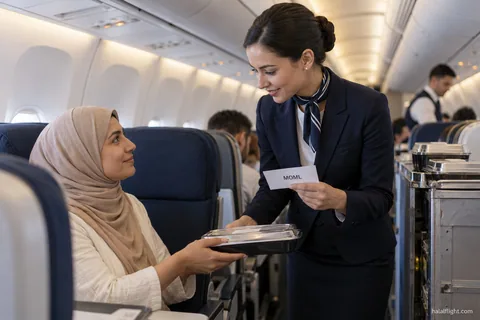
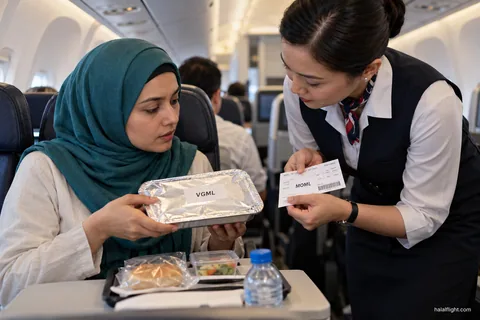
Once on board, tell the cabin crew early that you ordered a Muslim meal, and check the label when it arrives. If it does not match, pause and ask. The page on checking a wrong special meal before eating describes this step. Keep a permitted snack in your bag so a mistake does not leave you hungry.
Questions about whether an airline's meal meets a particular scholar's standard are for a qualified scholar; the airline can only tell you what it certifies or sources.
Checklist: confirming a halal meal in six checks
- Open the booking and find the meal name beside each flight and each passenger.
- Identify the operating airline for every flight and contact it if it differs from the seller.
- Find the airline's deadline and count it back from departure.
- Save a screenshot of the meal status with the date visible.
- Recheck after any rebooking, schedule change or missed connection.
- If something is missing, request it again, ask the airline for written confirmation and keep a backup meal.
Screenshots are your evidence if you later need to complain; the page on complaining about a missing Muslim meal explains how to use them.
Frequently asked questions
How can I check that my Muslim meal is booked?
Open the manage-booking page or app for your reservation and look for the meal name against each flight and passenger. If it shows only a regular meal, or nothing, add the request again. Where the website cannot show it, phone the airline with your booking reference and ask it to read the record.
How long before departure should I confirm my halal meal?
Before the airline's ordering deadline, and preferably several days earlier. Some airlines state at least 24 hours for special meals, though this varies by airline, cabin and route. Check your airline's special-meals page, then count back from each flight's scheduled departure.
Is my halal meal guaranteed once the website shows it?
No. A stored request is good evidence but does not guarantee a loaded tray. Flight disruption, an aircraft change or an operating partner can affect it. Ask crew early on board, check the label and carry a permitted snack.
Do I need to reconfirm my meal on a codeshare or partner flight?
Yes, check it. Meal pre-selection may work only on flights the selling airline operates. For flights run by another carrier, contact the operating airline and ask whether it holds your request. Do not rely on the booking airline's confirmation alone.
What if my halal meal does not appear in my booking at check-in?
Tell the check-in agent and ask whether a request can still be added. If catering for the flight is closed, a new tray may not be possible. Ask about the alternatives on board, keep your own permitted food and keep proof of your original request for a later complaint.